Free & open source · Apache-2.0
Stop leaking API keys and overspending on LLMs.
A local gateway that converts between OpenAI, Anthropic, and Gemini SDK formats. Track spend per project, enforce budgets, and keep your prompts on your machine.
macOS · Windows · Linux
What it does
Everything runs locally. No cloud service, no account, no prompt logging.
Real-time cost tracking
Per-project, per-provider, per-model spend with local SQLite history.
Budgets & limits
Money, token, request, or time caps. Warn, block, or pause when a limit is hit.
3 × 3 format conversion
Use OpenAI, Anthropic, or Gemini SDKs against any configured provider.
Keys in the OS keychain
Provider API keys never touch your agent configs or the filesystem.
Provider fallback
Set a backup provider. Token Guard retries and fails over on 5xx or 429.
System tray app
Check spend, pause, or open the dashboard from the menu bar or tray.
How it works
One env var. No SDK changes. No extra hop.
Point your client
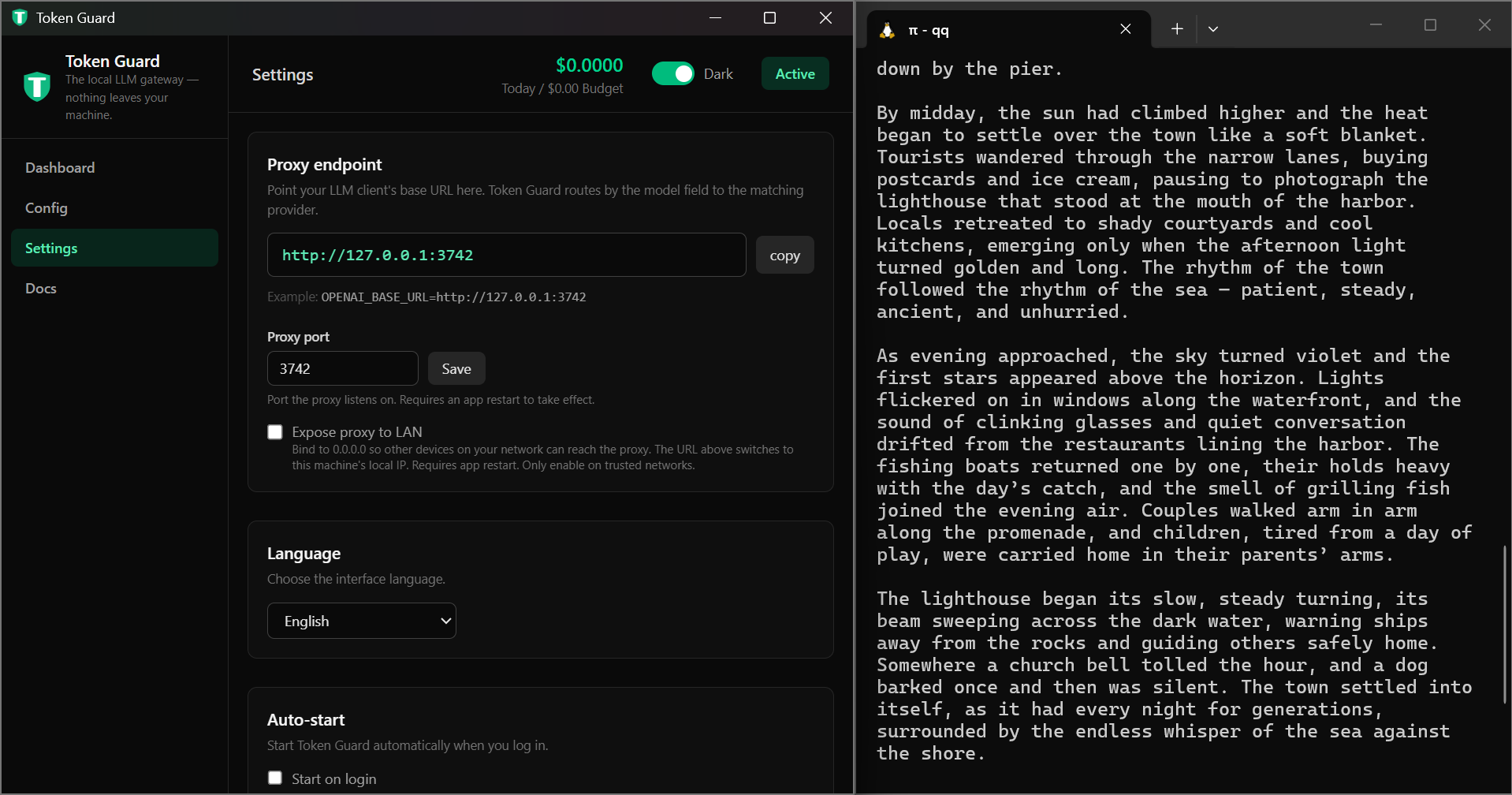
Set OPENAI_BASE_URL=http://localhost:3742/v1. Token Guard speaks OpenAI, Anthropic, and Gemini shapes.
Store your key
Add the real provider key in Token Guard. It lives in the OS keychain, not your agent config.
Tag projects
Use a label key like tg_your-project as OPENAI_API_KEY. Token Guard tags and forwards.
Who it's for
Token Guard saves time and money for anyone using more than one LLM provider.
AI coders
Use Cursor, Cline, or Roo Code with any provider. Switch between OpenAI, Anthropic, and Gemini without changing your editor config.
AI researchers
Compare models across providers with the same SDK. Track per-experiment cost and enforce token budgets.
Self-hosters
Keep everything local. No cloud account, no prompt logging, no vendor lock-in. Your keys stay in your keychain.
Pro license
The app is free and fully functional. A Pro license removes the banner, enables automatic updates, and covers up to 2 devices.
$4.99
One-time payment. No subscription. Taxes calculated at checkout.
- ✓ Hide the support banner
- ✓ Automatic updates from GitHub Releases
- ✓ Use on up to 2 devices
- ✓ Lifetime v1.x updates
Questions
- Is Token Guard really free?
- Yes. The app is open source under Apache-2.0. Every core feature works without paying. A supporter code removes the banner and enables auto-updates.
- Do you see my prompts or API keys?
- No. The app runs entirely on your machine. Your provider key is stored in the OS keychain, and requests go directly from your computer to the provider.
- What platforms are supported?
- macOS, Windows, and Linux. Binaries are built and published from GitHub Actions.
- Can I get a refund?
- Yes. Email qingquanshi65@gmail.com within 14 days for a full refund.